
★ Tonight ★
Viewgether
Swipe. Hit. Watch.
Stop scrolling. Swipe through the movies and series on your services - solo, as a duo or with the whole group - until you’ve found tonight’s pick.
Free, no sign-up.
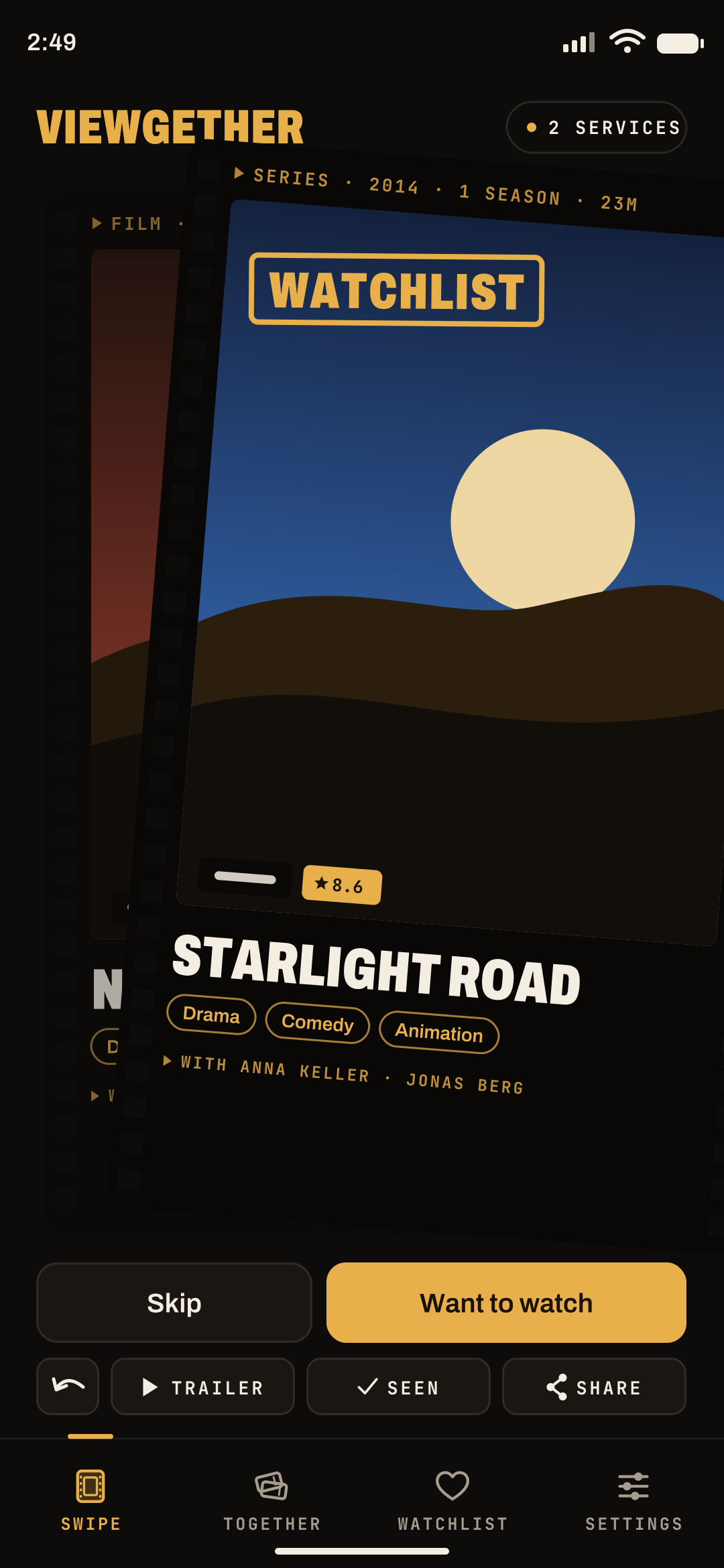
How it works
Four gestures. That’s it.
Every card is a movie or series that fits your filters. You decide with a swipe.
-
Swipe right
Want to watch
The title goes on your watchlist.
-
Swipe left
Not tonight
Gone. You can bring back passed titles later.
-
Swipe down
Seen it
Won’t come back and goes on your seen list.
-
Tap
Tell me more
Cast, rating, trailer and where it’s streaming.
Thumb slipped? You can undo your last swipe.
Modes
Solo, as a duo or all together.
Three ways to find tonight’s movie - with the same gestures.
-
Reel 01 · Solo
Solo
Swipe, don’t scroll
Your own deck, your filters, your pace. Your watchlist, seen and passed titles stay on your phone.
- Watchlist
- Genres
- Movies & series
-
Reel 02 · Duo
Duo
Two of you, any time
Start a duo and send the code to your partner. You both swipe the same deck at your own pace. When you both say yes, it’s a hit.
- Code or link
- Hits
- Several duos
-
Reel 03 · Group night
Group night
Everyone swipes, one wins
Create a room, share the code, and up to 8 people swipe the same 50 titles live. The ranking shows tonight’s feature at the top.
- Up to 8 people
- 50 titles
- Ranking
Preview
Here’s the look.
Movie cards, hits, duos and your watchlist - all in cinema style.
-
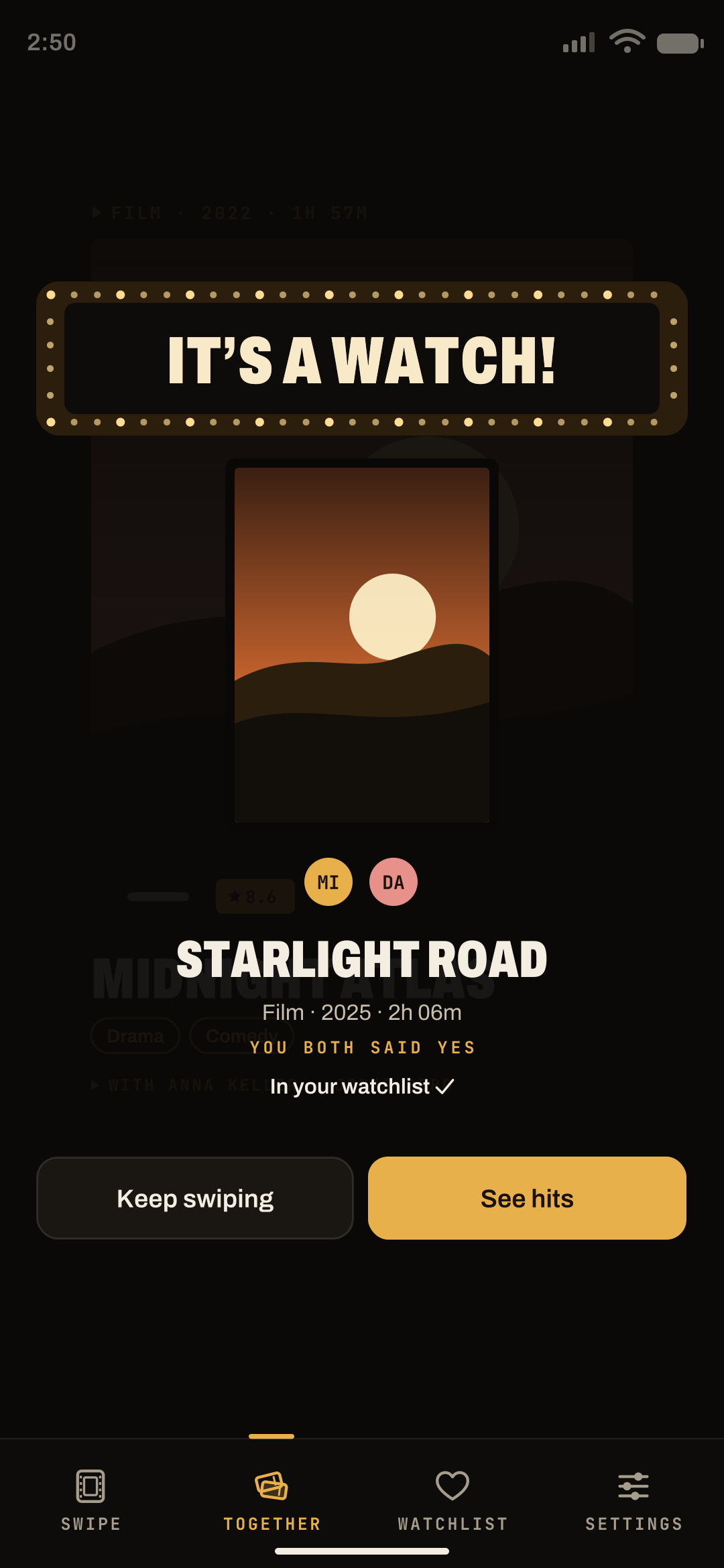
▸ Duo · hitBoth said yes? A hit! -
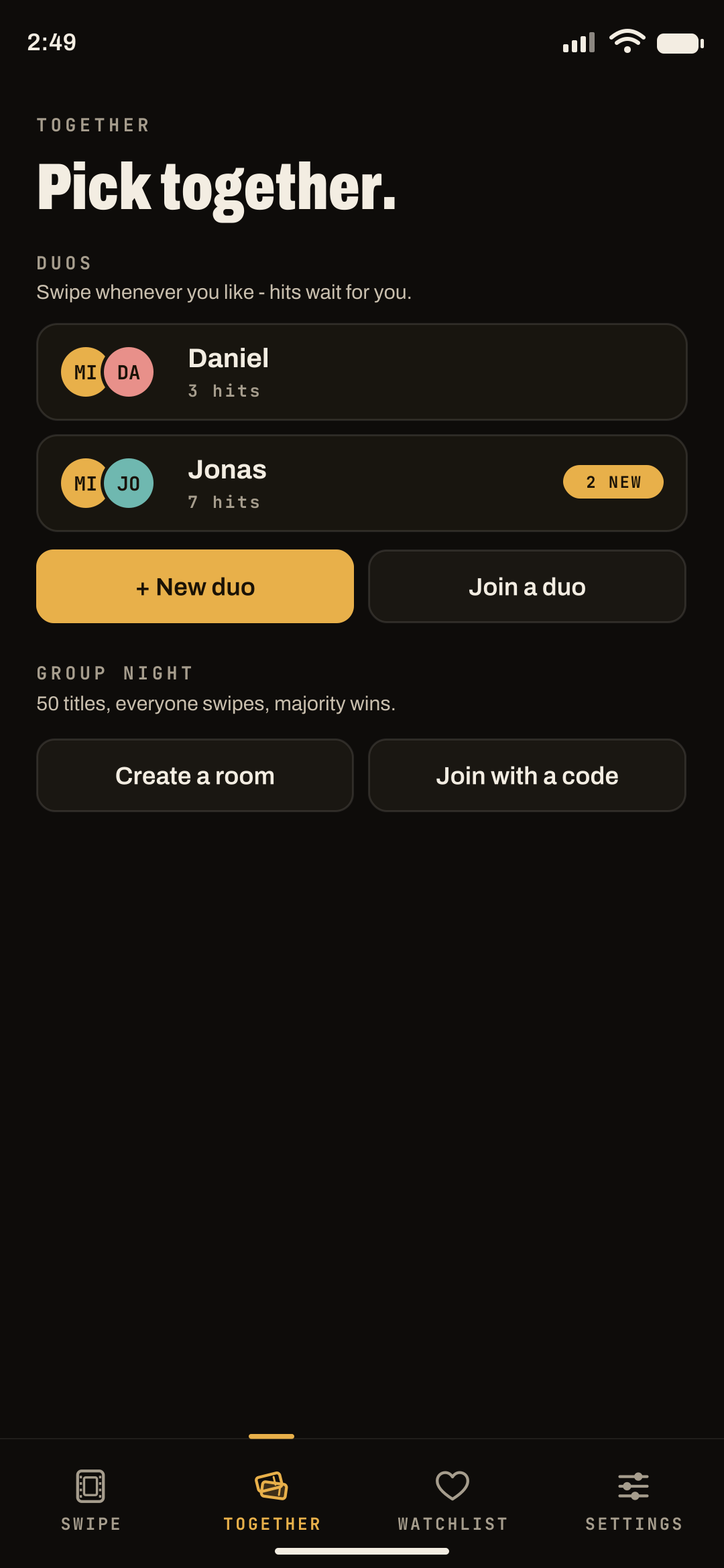
▸ TogetherDuos and group night -
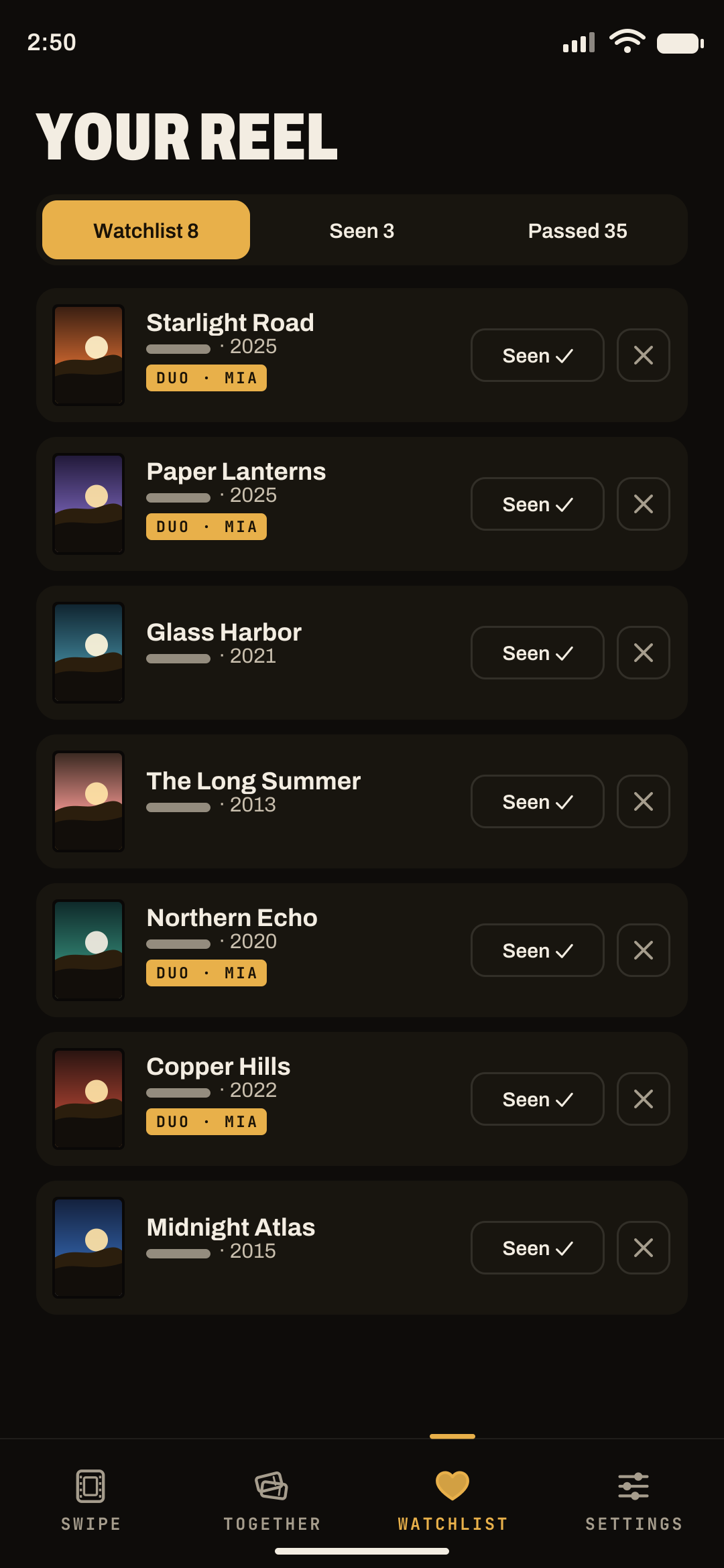
▸ WatchlistEverything you want to watch
Where to watch
Only what you can watch.
Pick your region and your streaming services: Viewgether shows what’s included in your subscription, free or with ads. Or switch to the whole catalog.
- Your services - “Only my services” hides everything else.
- At a glance - every detail sheet shows where the title is streaming right now.
- Data by JustWatch - streaming availability per region; movie and series data from TMDB.
Streaming
US- AYour subscriptionFlat rateSubscription
- BFree streamingWatch for freeFree
- CAd-supported planCheaper with adsWith ads
Source: JustWatch
Privacy
Your data stays with you.
Viewgether works without an account with email or password. Our server only gets what duo and group night need.
- No sign-upNo email address, no phone number, no password.
- Lists on your phoneWatchlist, seen and passed titles and your filters stay on the device.
- A name only for togetherOnly needed for duo and group night - and it can be anything.
- Delete with one tapIn the settings: account, name, votes and lists are gone.
★ Coming soon ★
Showtime
Popcorn ready?
Viewgether is coming to Android soon - free, no sign-up.